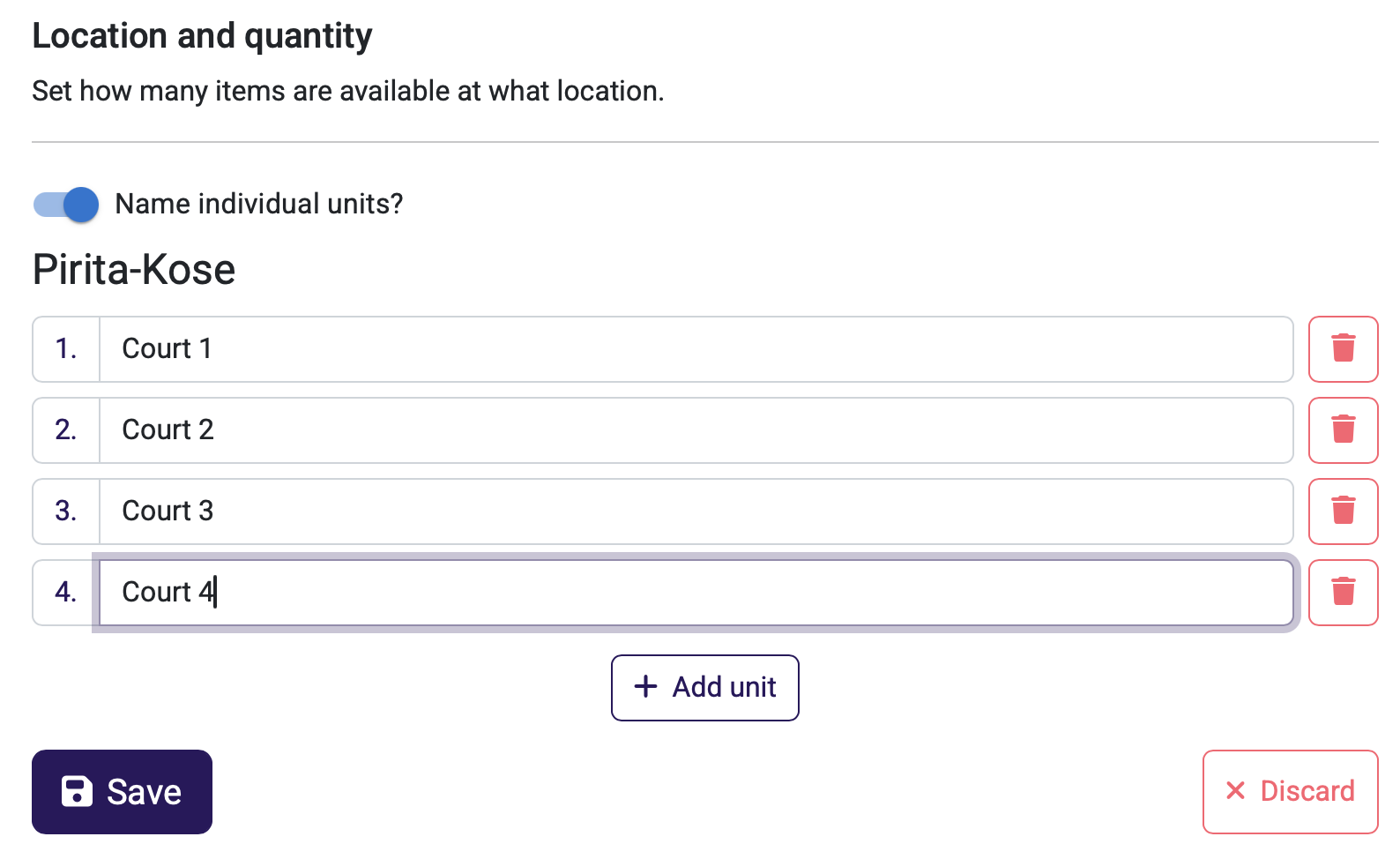



If a company has several identical rental items—for example, four sports courts, multiple devices of the same type, or other similar equipment—there is no need to create separate products for them. All identical units can be grouped under a single product by specifying the quantity (e.g., 4).
If desired, each unit can be given its own name—for example, “Court 1”, “Court 2”, “Court 3”, and “Court 4″—making them clearly distinguishable during booking.
Why this is important:
- The client can see the occupancy and availability of all units (e.g., all courts) simultaneously in a single view.
- Finding a suitable available time is easier and faster, as there is no need to review each calendar separately.
- Management is simpler for the business owner—units are grouped under one product instead of dozens of separate products.
Who benefits from this:
Especially for companies with multiple identical rental units—operators of sports courts and halls (multiple courts/halls), equipment rental companies (multiple devices of the same type), and other service providers with a similar structure.
How to use:
Open the rental product and select “Location and quantity”. Set the number of units (quantity) and, if desired, enable “Assign names?” to give each unit an individual name. Save changes.